Client account
For private EMS companies, fire departments, ESDs, hospitals, ERs, clinics and practices.
- Request shifts, roles and full teams
- Review credential-checked candidates and approve every placement
- Approve timecards and track your invoices
My Account
Sign in to your account, or open one in a few minutes. Choose your side of the platform: clients who need staff, or Savers looking for work.
For private EMS companies, fire departments, ESDs, hospitals, ERs, clinics and practices.
For paramedics, EMTs, nurses, clinicians and non-clinicians who want to work with StaffDash.
The StaffDash app
One app for both sides of StaffDash. Savers browse travel contracts, per diem shifts and direct-hire roles as they open. Clients post openings, review profiles and connect with qualified staff without the back-and-forth.
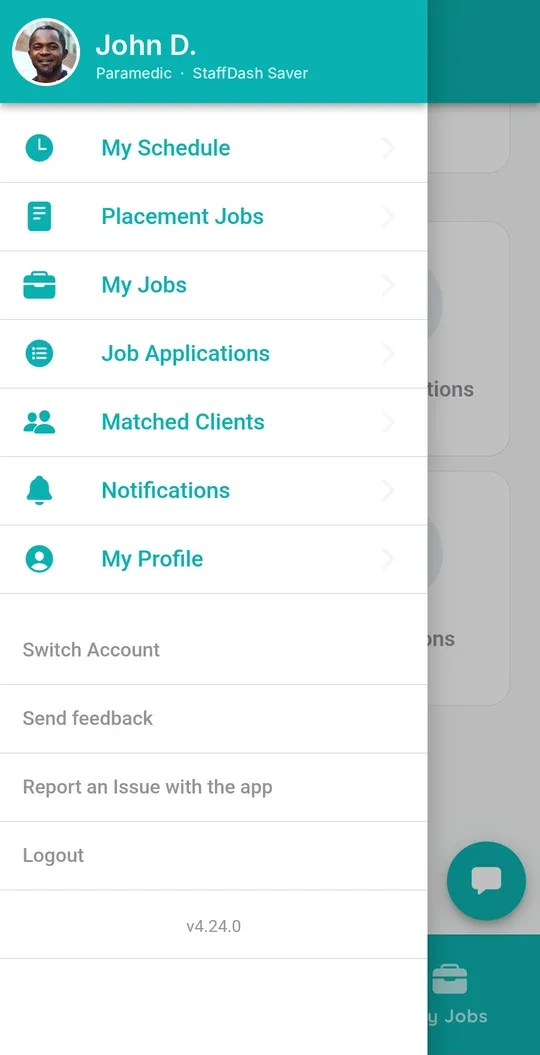
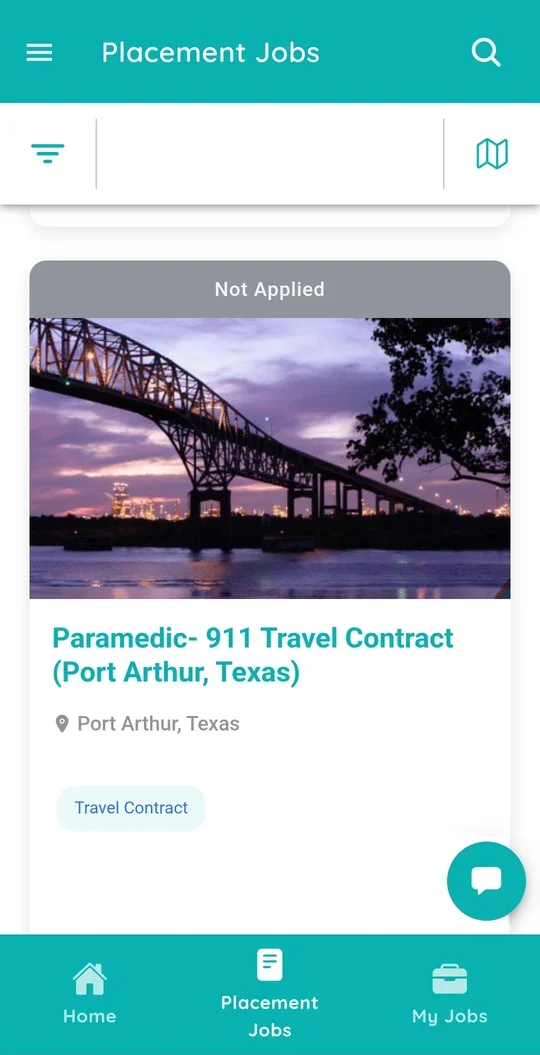
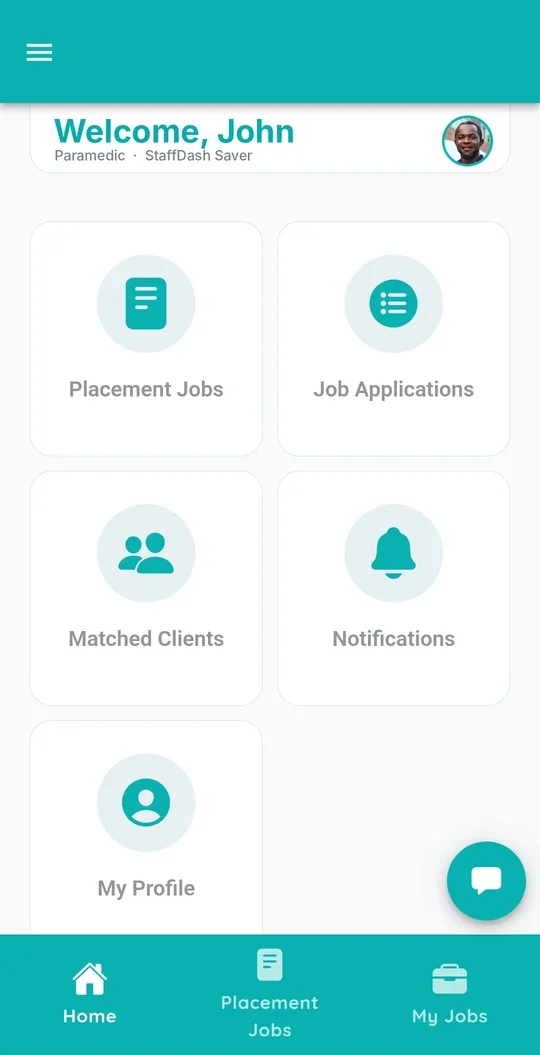
Use "Forgot password" on the sign-in screen, or reach us by phone or email.
Questions
Choose "Sign in as a client" or "Sign in as a Saver" on this page. Both open the StaffDash platform, where you sign in with the email and password on your account. The same sign-in works in the StaffDash app.
Client accounts are for organizations that need staff, such as private EMS companies, fire departments, ESDs, hospitals and ERs. Saver accounts are for paramedics, EMTs, nurses, clinicians and non-clinicians who want to work StaffDash assignments.
Choose "New here? Become a Saver" and complete the short application. A dedicated recruiter then contacts you about credentialing and assignments that fit your license.
Choose "New here? Become a client" to open an account, or request a staffing proposal and a StaffDash specialist will design a solution around your operation.
Use "Forgot password" on the sign-in screen to reset it. If you still can't get in, call (512) 909-6776 or email info@staffdash.com.
Yes. The StaffDash app is on the App Store and Google Play, and it uses the same sign-in as your account on this page.